
What Does RBAC Mean?
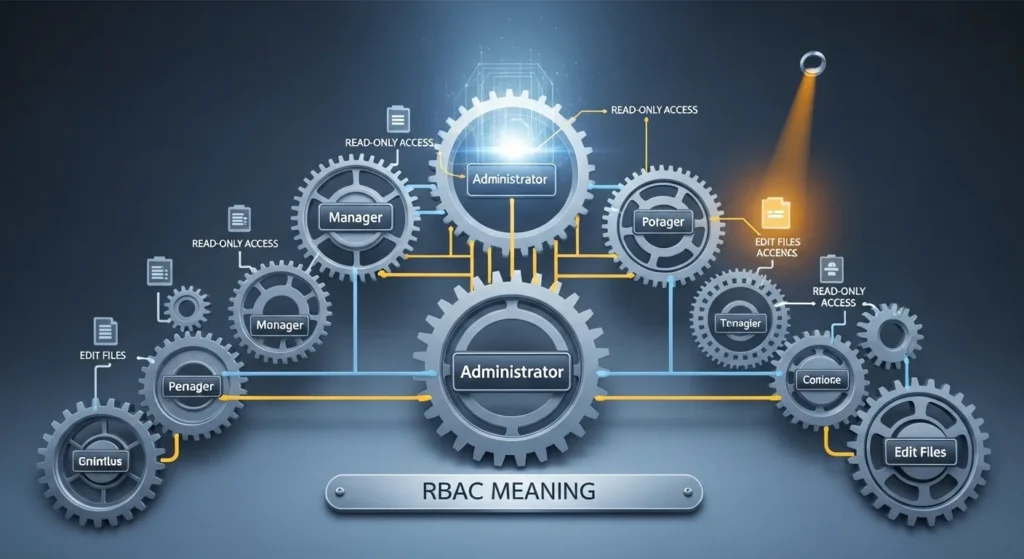
RBAC stands for Role-Based Access Control.
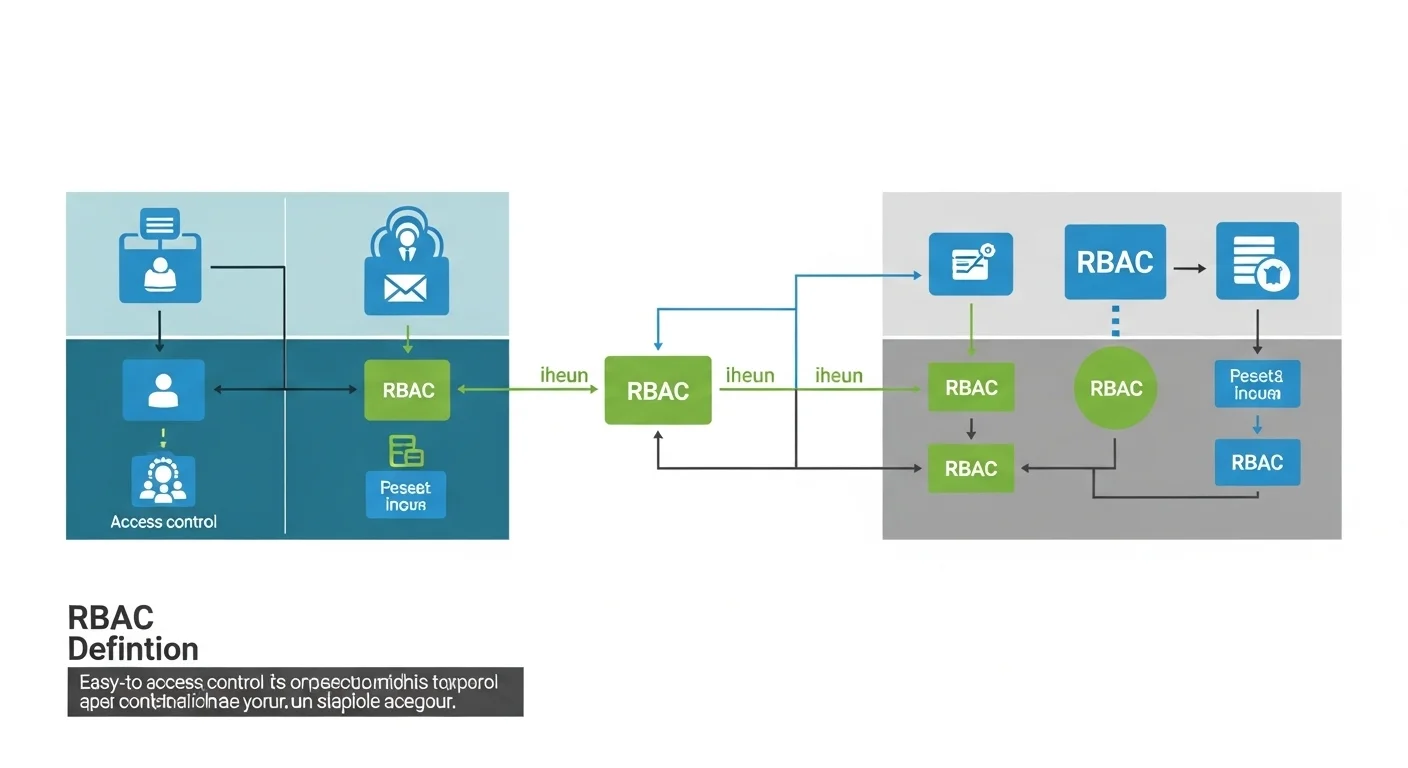
Simple definition:
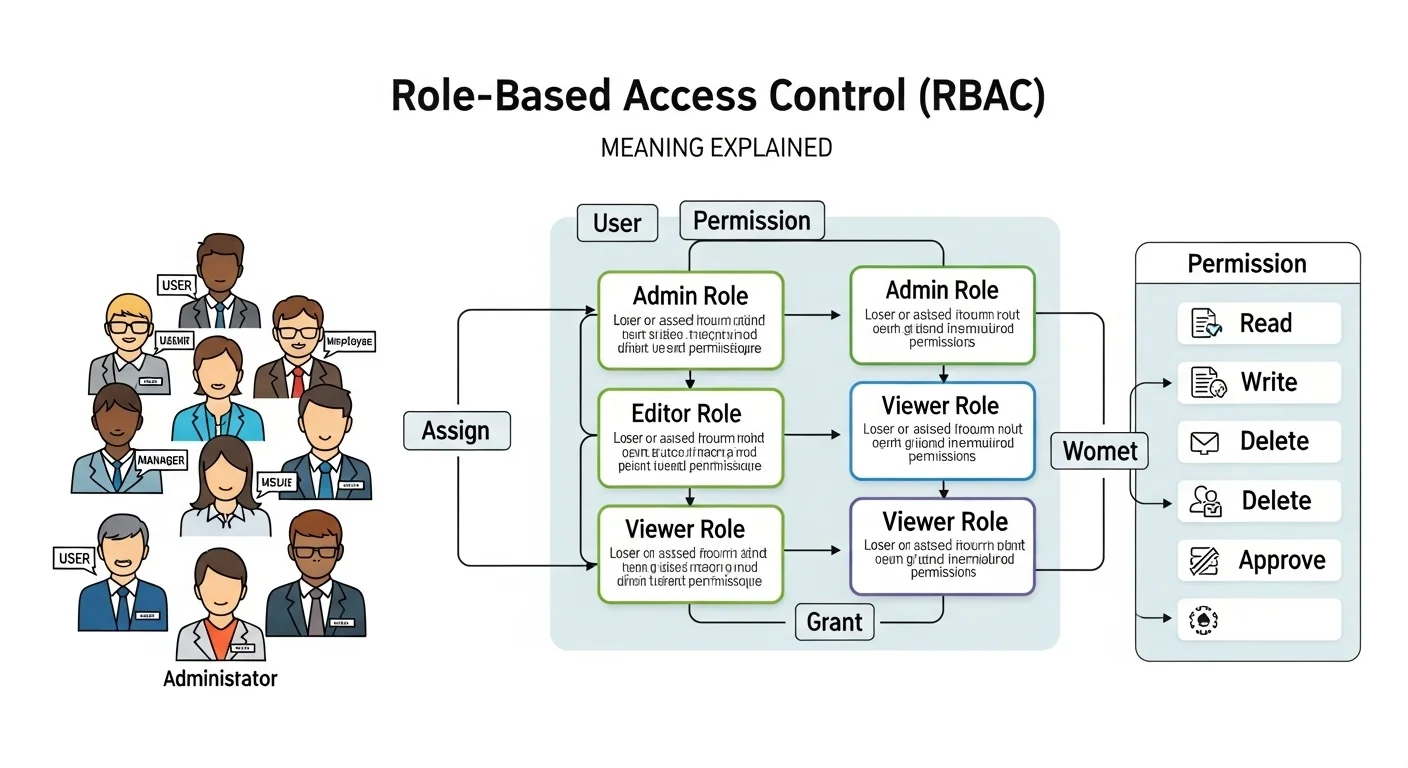
RBAC = a system that restricts computer or network access based on the roles of individual users.
Instead of giving each person access to everything, RBAC assigns permissions according to their job role.
Key Points
Role = a job function (e.g., manager, developer, HR)
Access = what the user can view, edit, or delete
Control = the system enforces the rules automatically
Example:
HR staff can access employee records
Developers can access code repositories
Interns have limited read-only access
Origin of RBAC
RBAC was first formally introduced in the 1990s by cybersecurity experts as a way to simplify access control.
Before RBAC, systems often used user-specific permissions, which became hard to manage in large organizations.
Today, RBAC is a standard in cybersecurity frameworks, compliance regulations, and enterprise software.
How RBAC Works in Real Life
RBAC is everywhere in modern IT systems. Here’s how it’s used:
1. Enterprise Software
CRM systems: Salesforce or HubSpot uses RBAC to control which employees can see customer data.
ERP systems: SAP or Oracle limits access to financial or HR modules based on employee roles.
Example:
“The finance manager can approve invoices, but the intern cannot. This is enforced through RBAC.”
2. Cloud Platforms
Cloud services like AWS, Azure, or Google Cloud use RBAC to ensure:
Developers only access the servers they need
Admins manage user permissions
Audits are easier for security compliance
3. Operating Systems
Operating systems implement RBAC for file and folder access:
Linux or Windows servers allow users to access directories depending on their role.
Admins get full access, staff get limited access.
4. Web Applications
RBAC is common in SaaS apps:
Project management tools like Asana or Jira use roles such as Admin, Member, and Viewer.
Only Admins can delete projects, Members can edit tasks, Viewers can only see content.
Real-Life Examples of RBAC
Here’s how RBAC might appear in everyday workplace systems:
Corporate HR System
Role: HR Manager → Can view/edit employee salaries
Role: HR Assistant → Can view employee info, cannot edit salaries
Online Banking Platform
Role: Customer → Can view own accounts, transfer money
Role: Bank Employee → Can view multiple accounts, approve loans
Software Development Team
Role: Developer → Push code to test environment
Role: QA → Can run tests but not deploy
Role: Admin → Full system access
Educational Platform
Role: Teacher → Can grade assignments
Role: Student → Can submit assignments
Role: Admin → Can manage all users and courses
Common Mistakes & Misunderstandings
RBAC is not optional in big systems
Ignoring RBAC can lead to security breaches.
RBAC ≠ individual permissions only
It’s role-based, not per-user unless roles are customized per user.
RBAC is not static
Roles must be updated as responsibilities change.
RBAC ≠ just IT jargon
It affects everyday users’ ability to do their jobs safely and efficiently.
Related Terms & Abbreviations
ABAC (Attribute-Based Access Control) – Permissions based on user attributes, not just roles
MAC (Mandatory Access Control) – High-security control, often in government or military systems
DAC (Discretionary Access Control) – Access set by the object owner
IAM (Identity and Access Management) – Broader system managing users, roles, and authentication
Least Privilege Principle – Only give users access they need to do their job